01
Connect once.
Sign in with your GripForge account, choose a workspace and connect your agent.
grip-forge loginGive your coding agent the tools to make games. Characters, animations, VFX and worlds — connected to your GripForge workspace.
npm install -g https://gripforge.ai/cli/gripforge-cli-0.2.1.tgzNode.js 22.19+ · macOS & Linux · npm / curl
$ grip-forge --agent codex
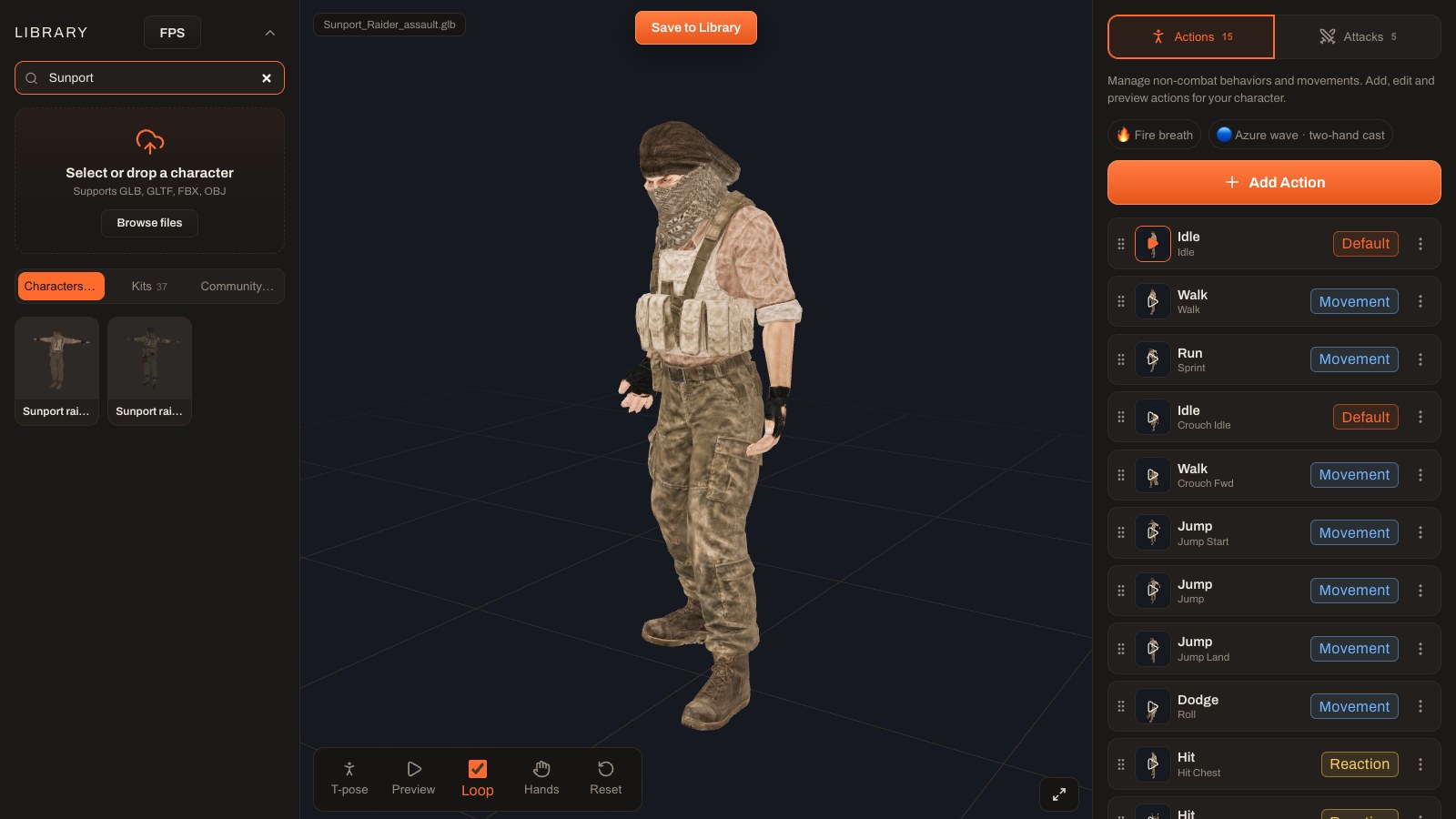
Create a desert raider with a rig, idle, walk and attack animations. Save it to my workspace.
Illustrated workflow · actual Studio captures
FROM YOUR TERMINAL TO YOUR GAME
Sign in with your GripForge account, choose a workspace and connect your agent.
grip-forge loginAsk for a rigged character, a VFX or an environment. Your agent calls the right GripForge tools.
grip-forge --agent codexReview the result in the Studio, edit it and export for your game. Generation jobs keep running when you leave.
grip-forge jobsBUILT WITH GRIPFORGE
From a bare prototype to characters, environments and effects working together.
Real gameplay captures. Prompt sequences illustrate example requests.YOUR AGENT. YOUR CHOICE.
Model usage and asset generation are billed separately. Here’s how it works.
Use the agent you already know, with its existing account, local tools and permissions.
A hosted agent, managed by GripForge. One account for your assistant and your game workspace.
In development. Use Codex or Claude Code to get started today.
You stay in control. Connecting the CLI does not purchase a plan. Generations use your workspace credits. Personal model API keys are also supported.
View credit pricingLET’S BUILD SOMETHING
Install GripForge CLI, link your workspace, and start with the agent of your choice.
Download CLI 0.2.1Requires Node.js 22.19+. Install and sign in to Codex or Claude Code separately.
Read the MCP documentationnpm install -g https://gripforge.ai/cli/gripforge-cli-0.2.1.tgzgrip-forge login
grip-forge connect codex
grip-forge --agent codexYour browser opens to confirm the code and choose a workspace.
grip-forge switchChange agentgrip-forge resumeContinue your sessionFAQ
Use your existing GripForge account. Browser login lets you select a workspace and authorize this terminal. Run grip-forge logout to revoke its access.
Yes. Codex and Claude Code keep their native local file tools and permission prompts. GripForge adds the production tools and workspace connection.
Server-side generation jobs keep running. Use grip-forge jobs to follow them and grip-forge resume to return to your agent’s conversation. Each agent keeps its own history.
GripForge provides asset exports and integrations for Unreal Engine, Unity, Godot and Three.js. Available formats and editor actions depend on the asset and the target integration.
The dedicated public CLI repository is being prepared. The GripForge MCP client is already available on GitHub; it is a separate package.
GRIP-FORGE CLI